Learning from Learners: A UX Story
How listening to students shaped the redesign of a video-based learning app.
Role
Research, UI/UX Designer
Team
Nikhil Mohan (Me),
Abhijith S Babu (Technical Lead)
Timeline
Aug 2023 - Oct 2023
Project Type
In-house Project
Mobile App
EdTech
Gamified UX
Why We Had to Rethink Our Learning App?
When we first launched the app, our goal was focused and clear:
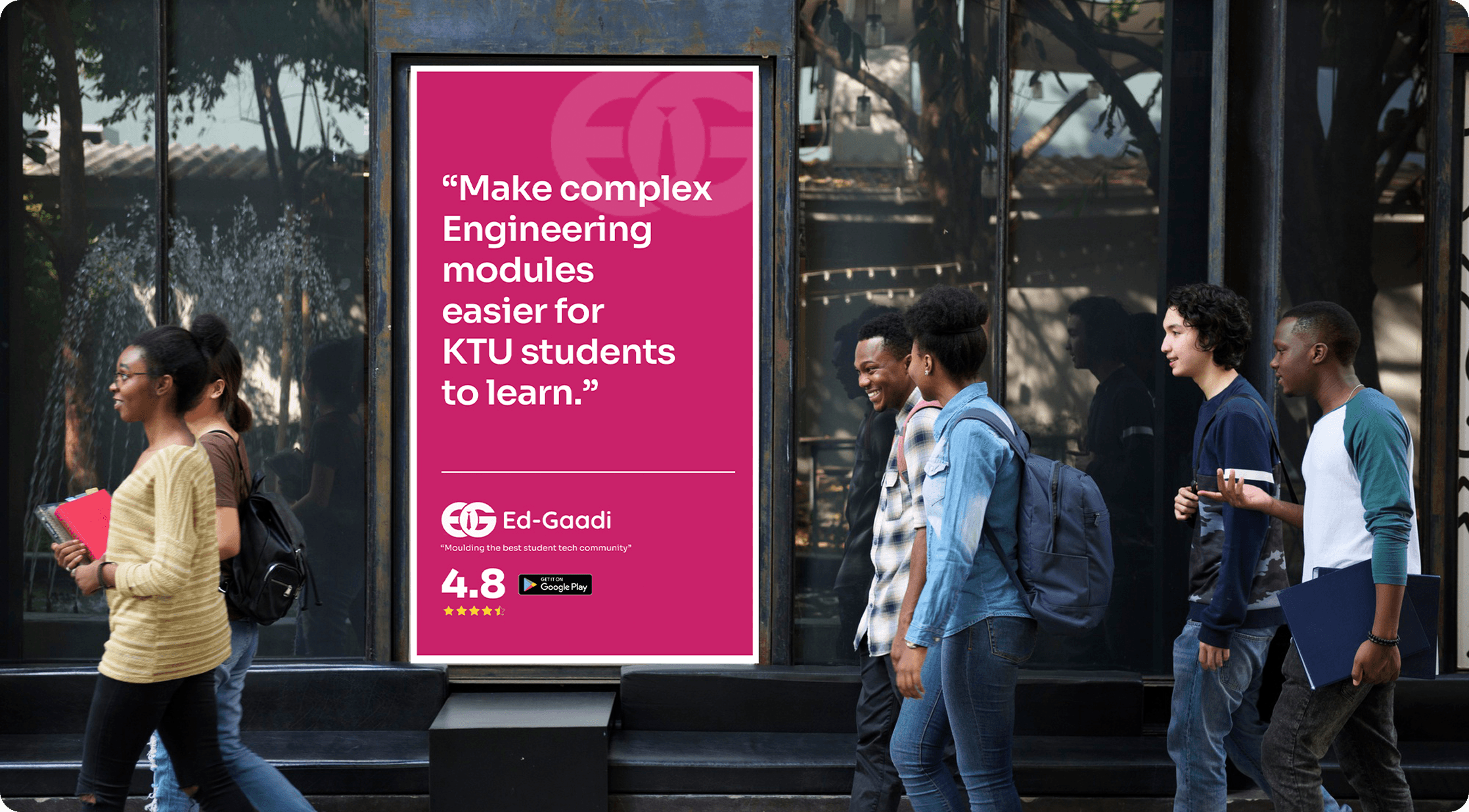
We curated crisp, exam-ready video lessons that helped students study smarter — especially during high-pressure exam seasons. And it worked. We crossed 500+ paying users within a short time, many of them returning every semester for a reliable, no-fluff way to study.
But then we paused.
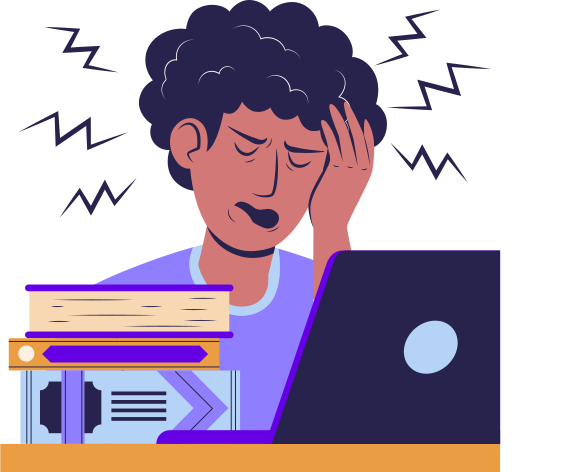
As more students joined — from different branches, semesters, and even outside engineering — a different pattern began to emerge. They weren’t just watching videos. They were navigating stress, skipping between modules, losing time jotting notes, and often… dropping off midway.
What Users Really Needed?
We spoke with some of our long-time learners to better understand how they use the app — and what was getting in their way.
They said:

"I’ve a habit of revisiting topics just before entering the exam hall. In the app, I’ve to play each video to find a specific topic, which is difficult and time-consuming. If the app had a timestamp feature, it would be easier for learners like me to quickly locate the topic."
Goutham S
Govt Engineering College Barton Hill, Kerala
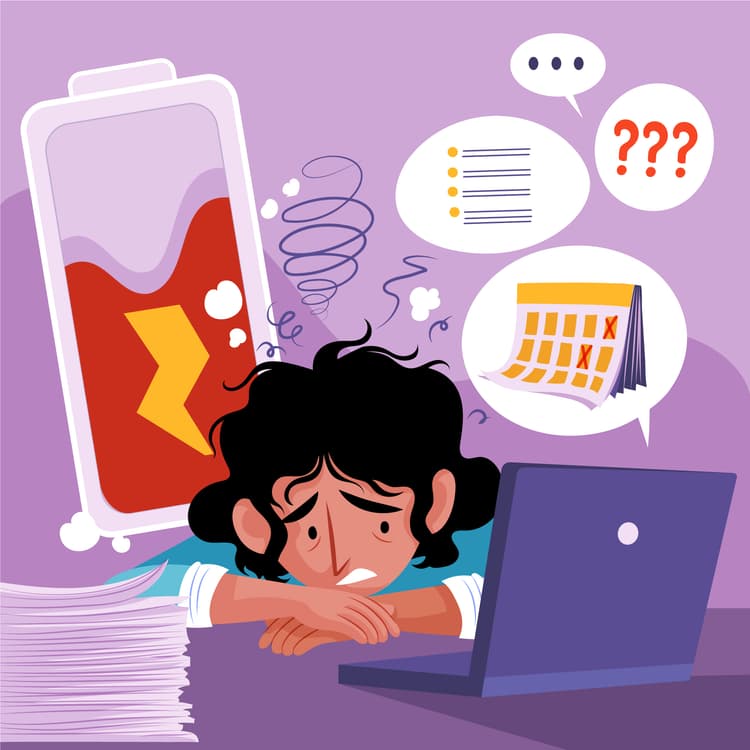
"I mostly use the app during exams. Our teachers rush through topics, and we’re told to refer textbooks. But textbooks are hard to follow. Your app helped me learn — but I still had to pause videos and write notes every time."
Akash V P
College of Engineering Trivandrum, Kerala

"I prepare questions to practise after learning a module. But sometimes after watching a topic, I felt stuck — I wanted MCQs or something to test myself, but nothing was there in the app."
Aardra J
College of Engineering Trivandrum, Kerala
These weren’t edge cases. They reflected deeper friction points we hadn’t yet solved.
What We Found in Our Audit
Before sketching even a single wireframe, we started with a deep audit of the app’s current state — layout by layout, screen by screen.
Some of the design decisions made sense when the app was simpler, catering to a single audience (KTU students). But as the platform scaled to more learners and more content types, cracks started to show.
No way to quickly resume learning after exiting the app
No ready-made notes or summaries
Topic discovery was painful, long scrolls, unclear hierarchy
No practice content to reinforce learning
Lack of motivation to continue after each video
Zero personalization based on user habits or course focus
Our Design Objectives
"We’re not redesigning for the sake of aesthetics — we’re redesigning to help students learn better, faster, and with less friction."
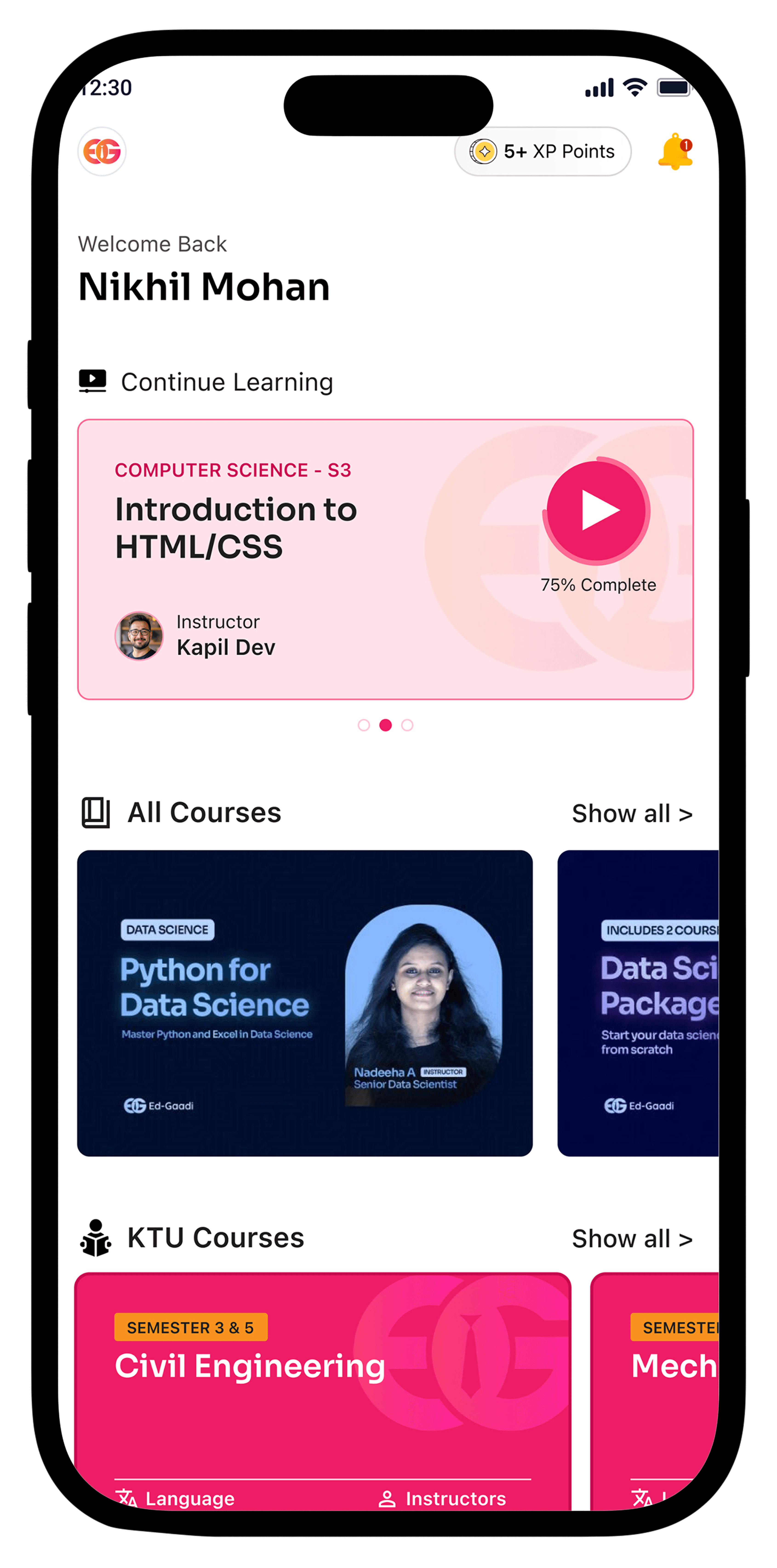
Better Content Discovery
With categorized modules and better visual hierarchy, users found the topics they needed without friction.
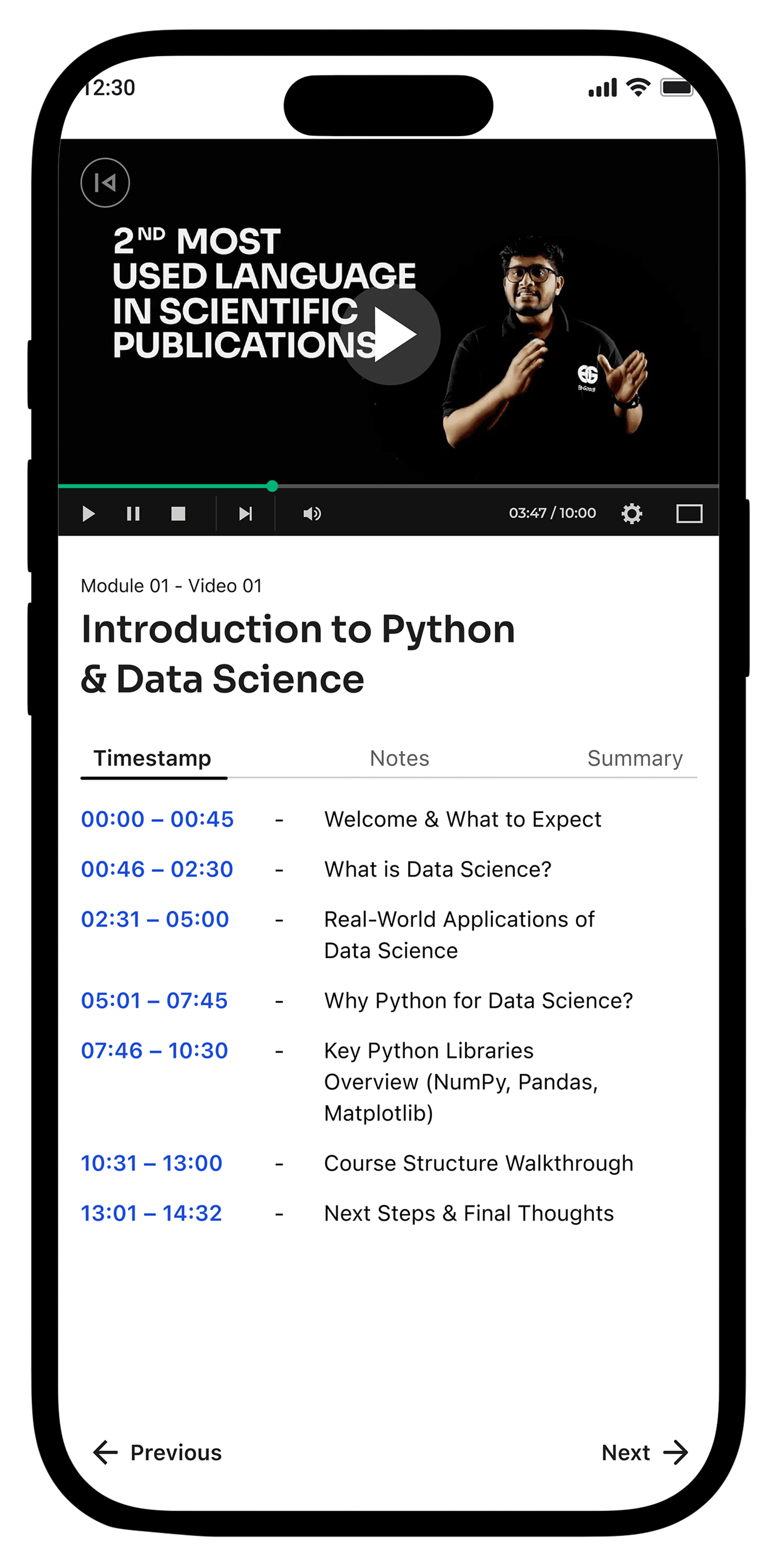
Increased Video Completion Rate
With resume support, structured content, and added notes, more users completed their videos without dropping off midway.
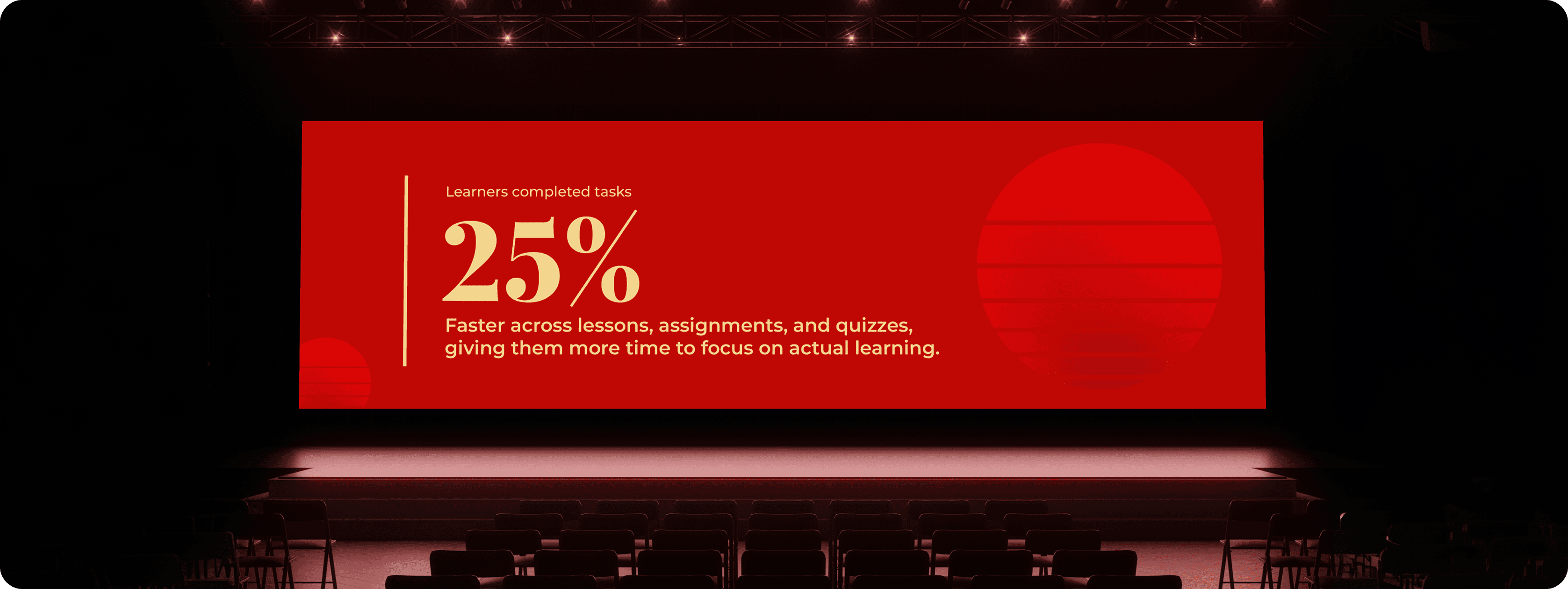
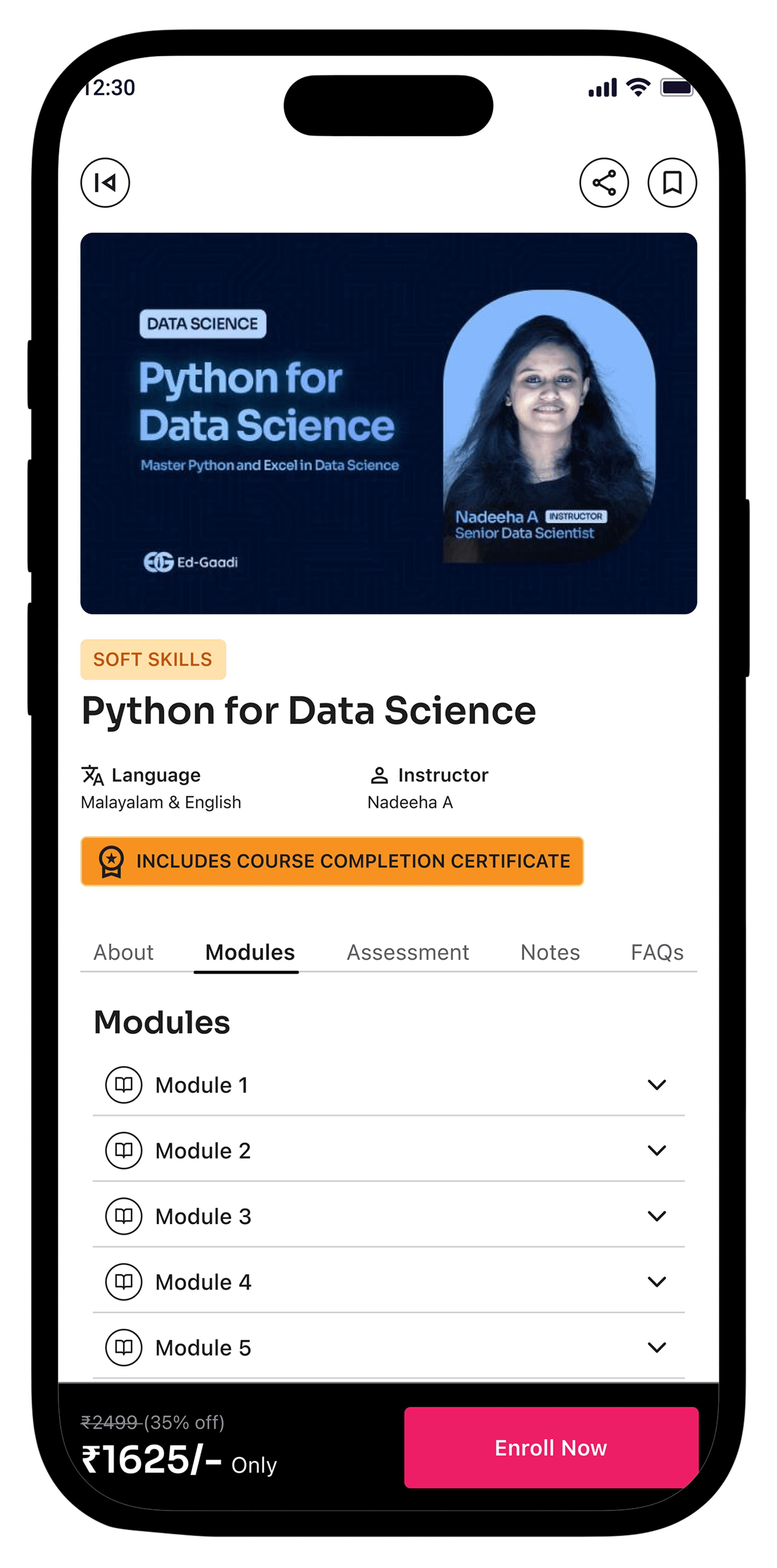
Reduced Learning Time by 20%
Thanks to direct access to summarized notes and timestamped explanations.
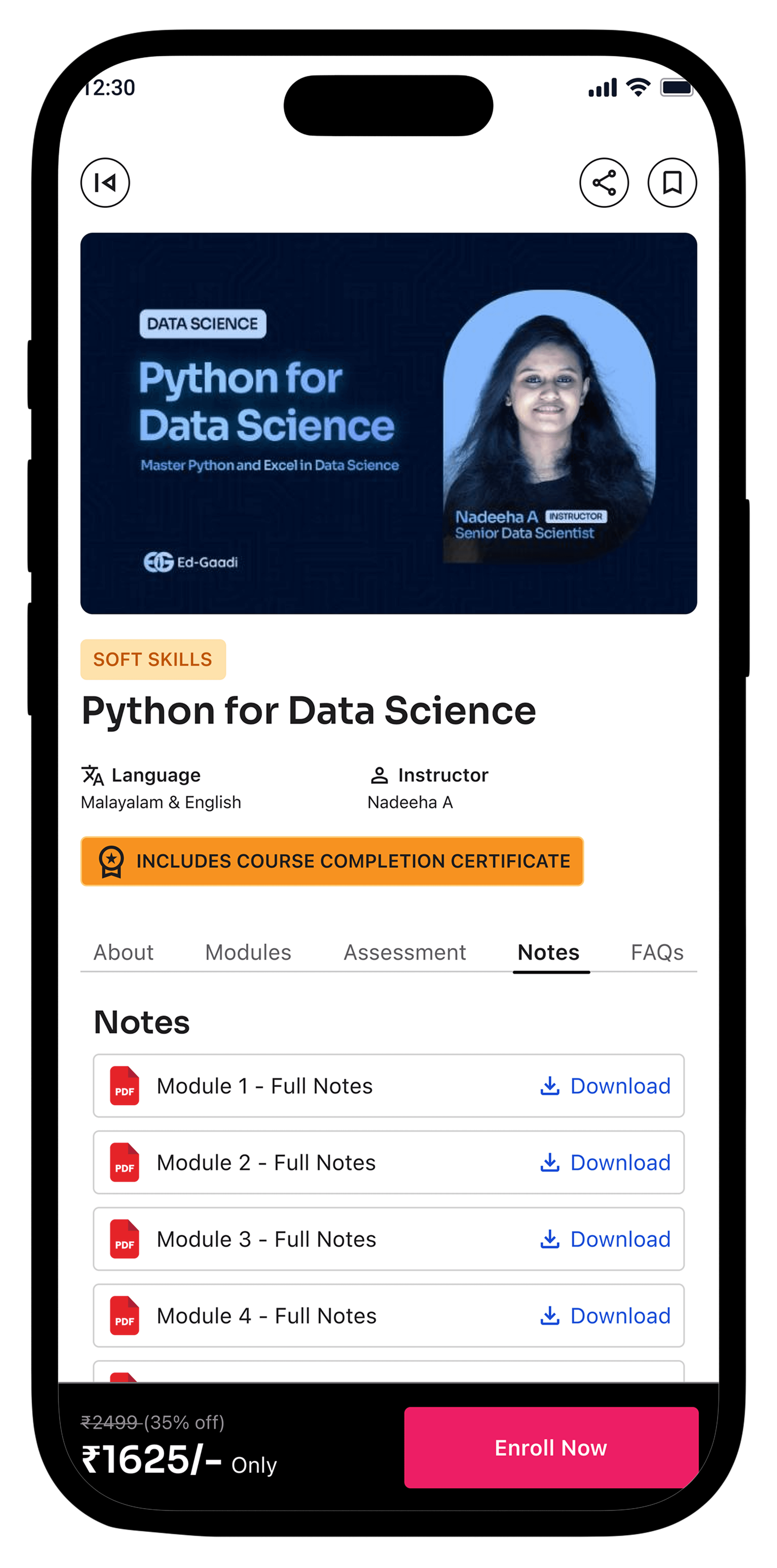
Increase Focus and Reduce Visual Noise
Apply better spacing, alignment, and contrast for more readable screens — especially for long study sessions.
Increase Focus and Reduce Visual Noise
Apply better spacing, alignment, and contrast for more readable screens — especially for long study sessions.
Higher Engagement in Practice Quizzes
Learners began exploring quiz sections immediately after videos — many requested more modules with interactive assessments.
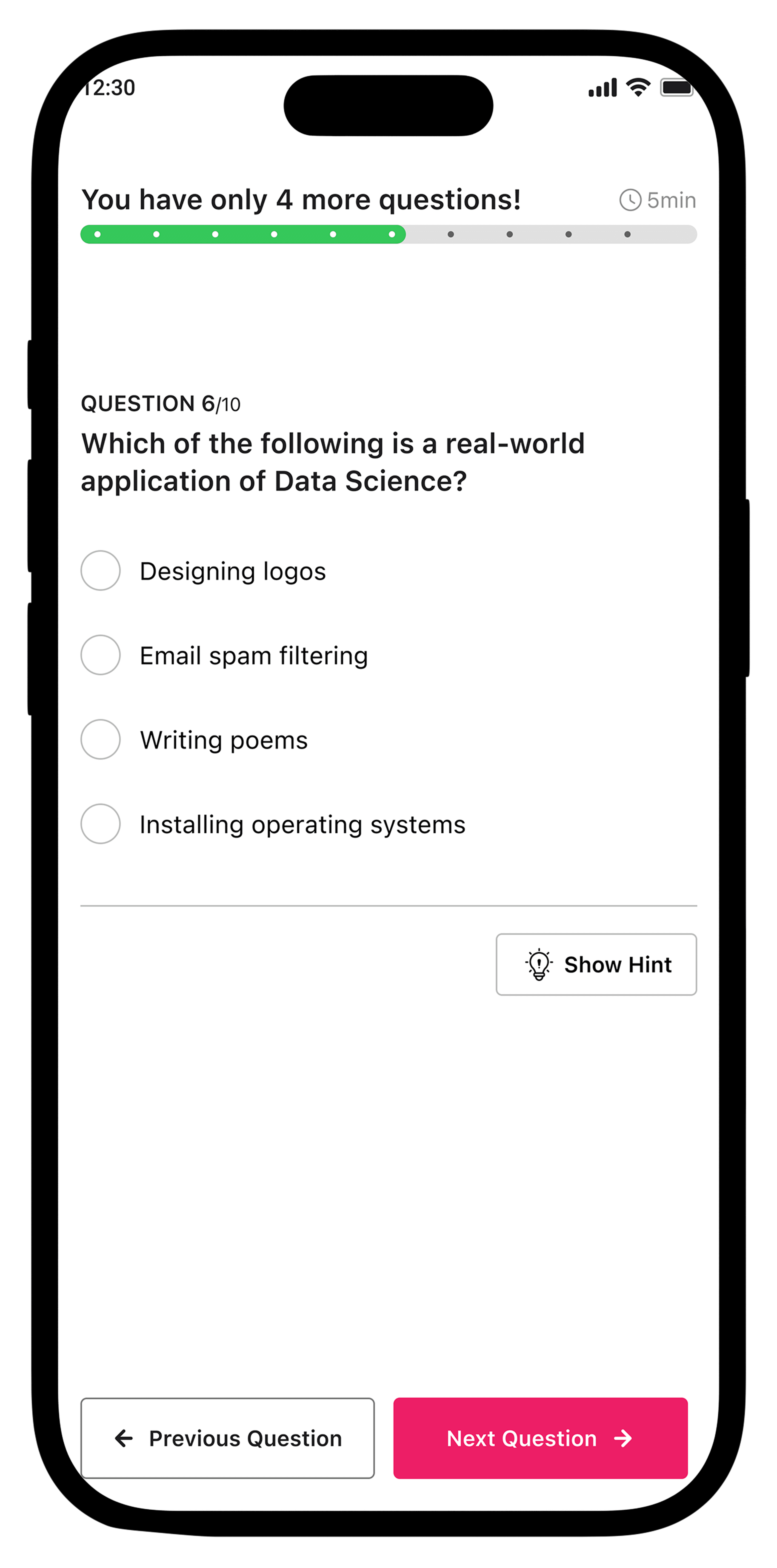
Reduce Drop-Offs
Use visual progress trackers to provide learners with a clear sense of achievement, encouraging them to return and complete their learning journey.
Impacts We Created

Increased Video Completion Rate
With resume support, structured content, and added notes, more users completed their videos without dropping off midway.
Reduced Learning Time by 20%
Thanks to direct access to summarized notes and timestamped explanations.
Higher Engagement in Practice Quizzes
Learners began exploring quiz sections immediately after videos — many requested more modules with interactive assessments.
Better Content Discovery
With categorized modules and better visual hierarchy, users found the topics they needed without friction.
Reflections & Learnings
- User Needs > Feature Wishlist
- Micro-UX Fixes Create Macro Impact
- Small changes like showing learning time, adding quiz feedback, or collapsing sections can massively improve usability and confidence.
- Never Assume. Always Listen.
- Early user interviews gave us truths no analytics dashboard could - from exam-season behaviors to note-taking struggles.
What’s Next
We plan to:
- Introduce Gamification elements like streaks, badges, and peer leaderboard
- Improve accessibility features (font size controls, dark mode, voice notes)